Getting started
What you need
Section titled “What you need”You need a console that runs homebrew (XEX) applications, a working network connection, and a PC on the same home network. If you use a USB Ethernet adapter, keep its driver loaded as usual. For the speeds shown on this site, use NetUsb360 (measured with release 1.1, published as CUsbEnet 1.1).
FastFTP360 is experimental homebrew. Read Safety before using it on files you care about.
Quick start
Section titled “Quick start”-
Download
FastFTP360-<version>.zipfrom the Releases page. -
Copy
FastFTP360.xexto its own folder on the Xbox, for exampleHdd1:\Apps\FastFTP360\. -
Start it from Aurora, XeXMenu or your usual launcher. Do not add it to
launch.ini: it is an app, not a plugin. -
The app opens on the FTP server tab. Press A to start the server.
-
In your FTP client, connect with:
Setting Value Host The IP address shown at the top right of the Xbox screen Port 21Protocol Plain FTP (no TLS) Transfer mode Passive User name / password xboxftp/xboxftp -
When you are done, press B to stop the server, then Back to exit to the dashboard.
FastFTP360-PC.exe in the zip is only for the network test. You don’t need it for FTP.
The screens
Section titled “The screens”Switch tabs with LB and RB while nothing is running. The footer always shows the buttons that do something right now.
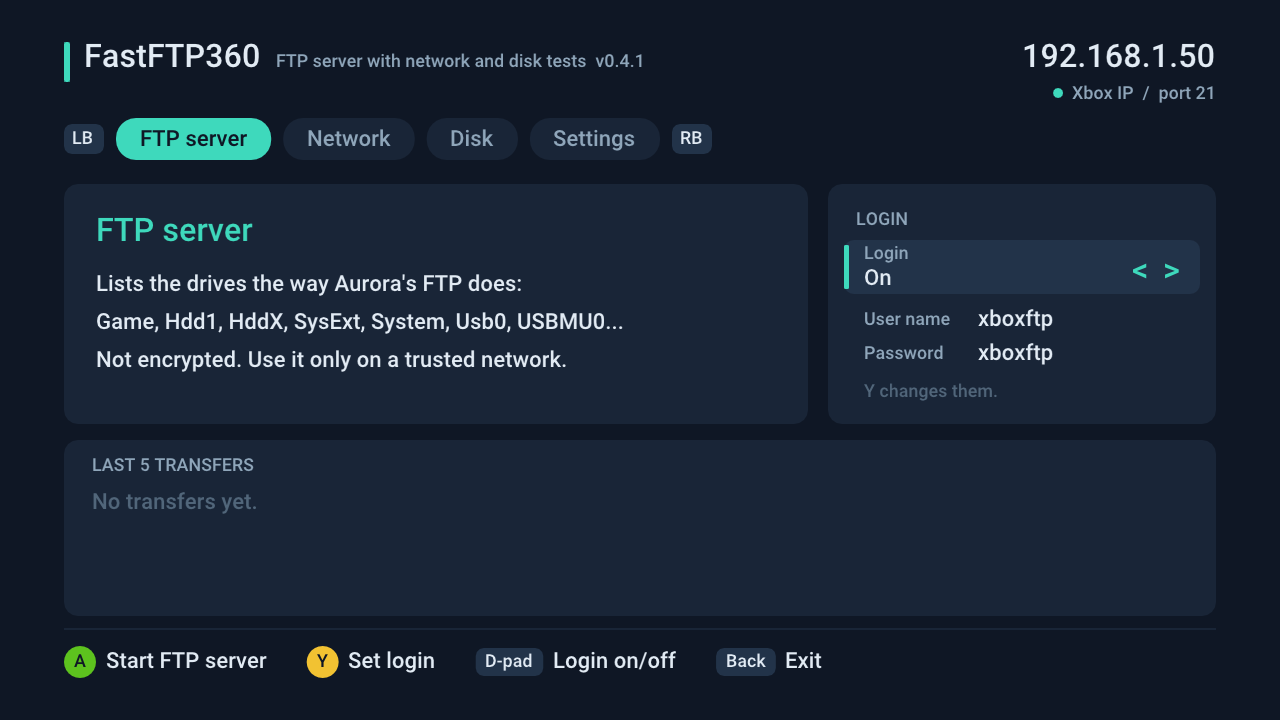
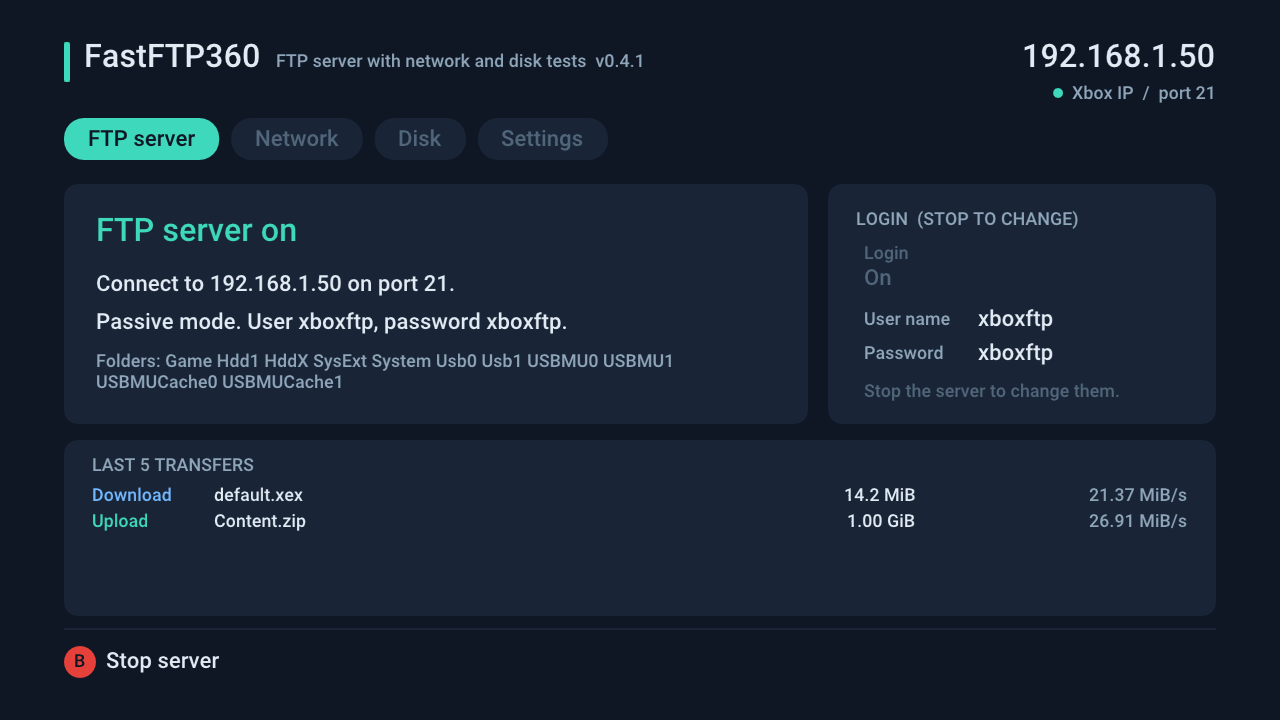
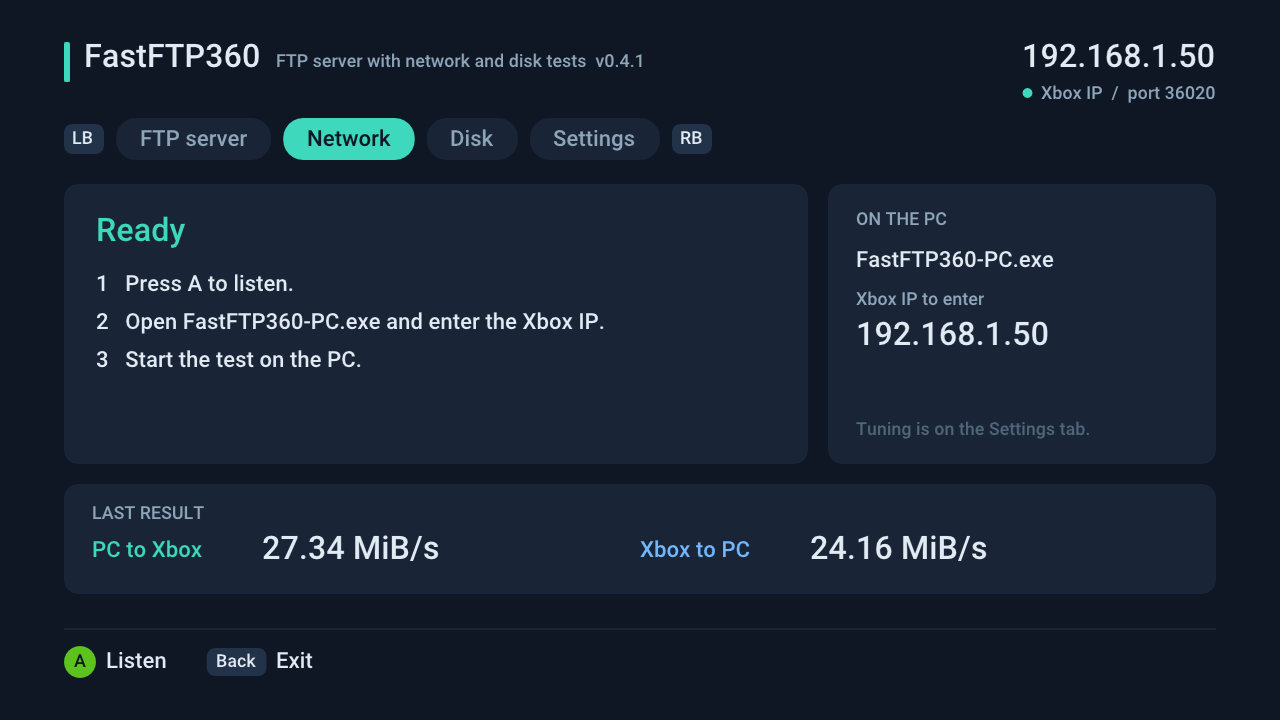
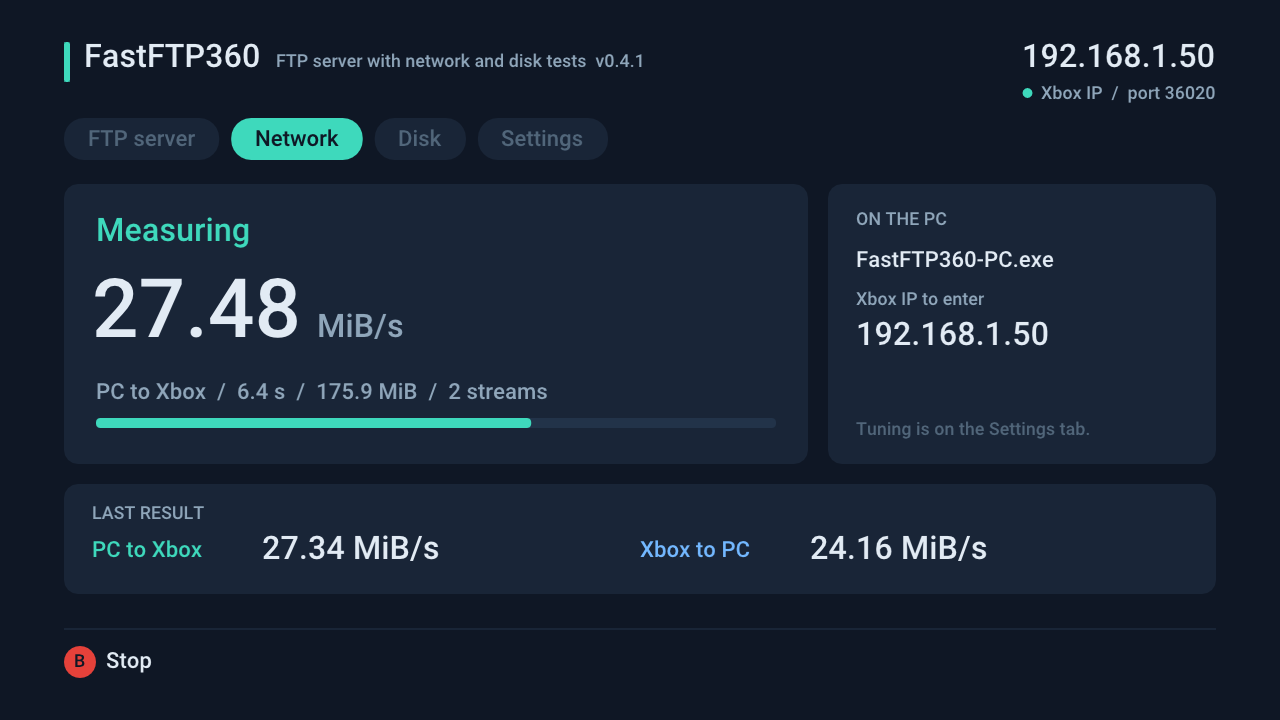
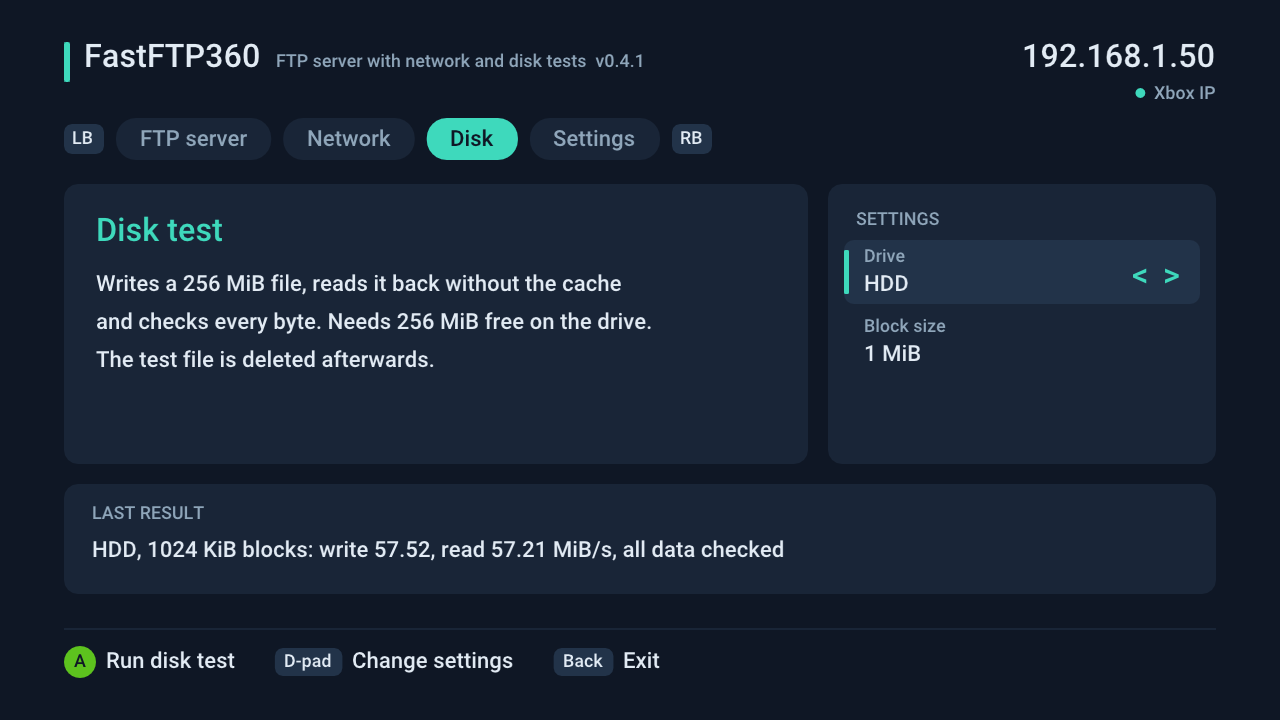
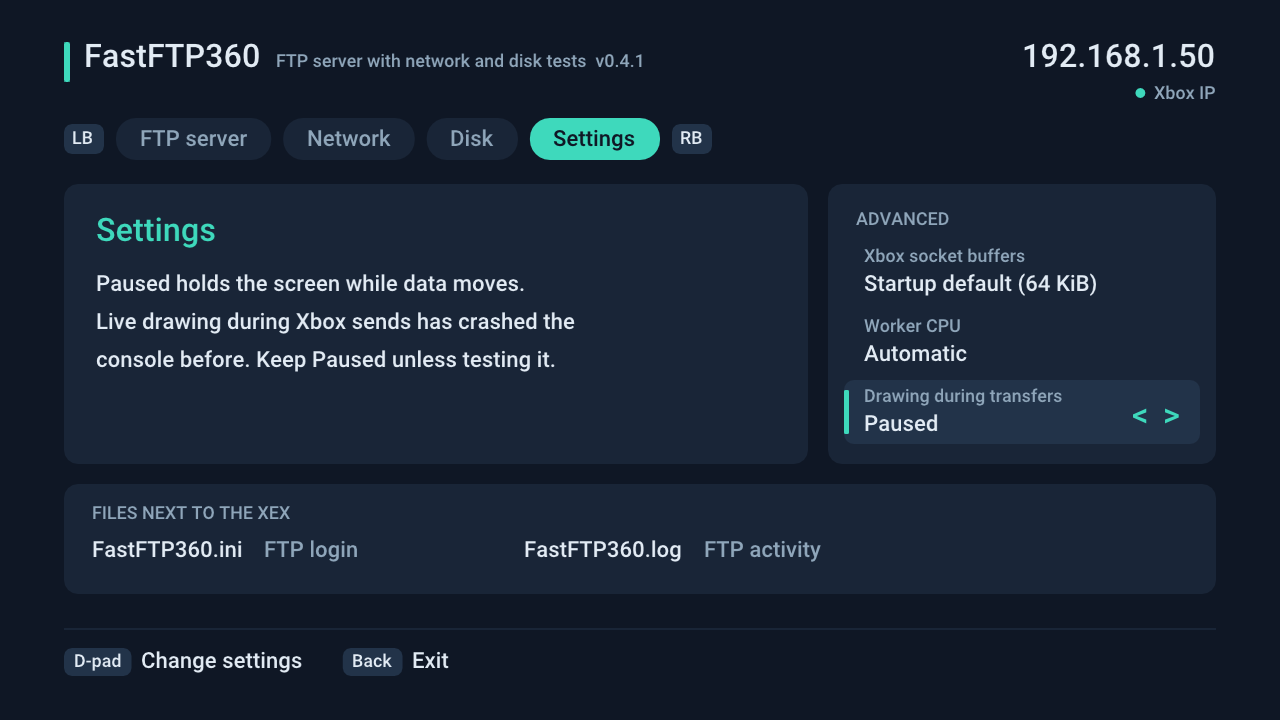
These images are drawn by the same screen code the console runs (tests/ui_preview.cpp), with example values.