Use it with FastFTP
FastFTP is an FTP server for the Xbox 360 made alongside this driver. It writes to the disk while the network transfer is still running, so it can keep up with what NetUsb360 delivers. Aurora’s built-in FTP can’t.
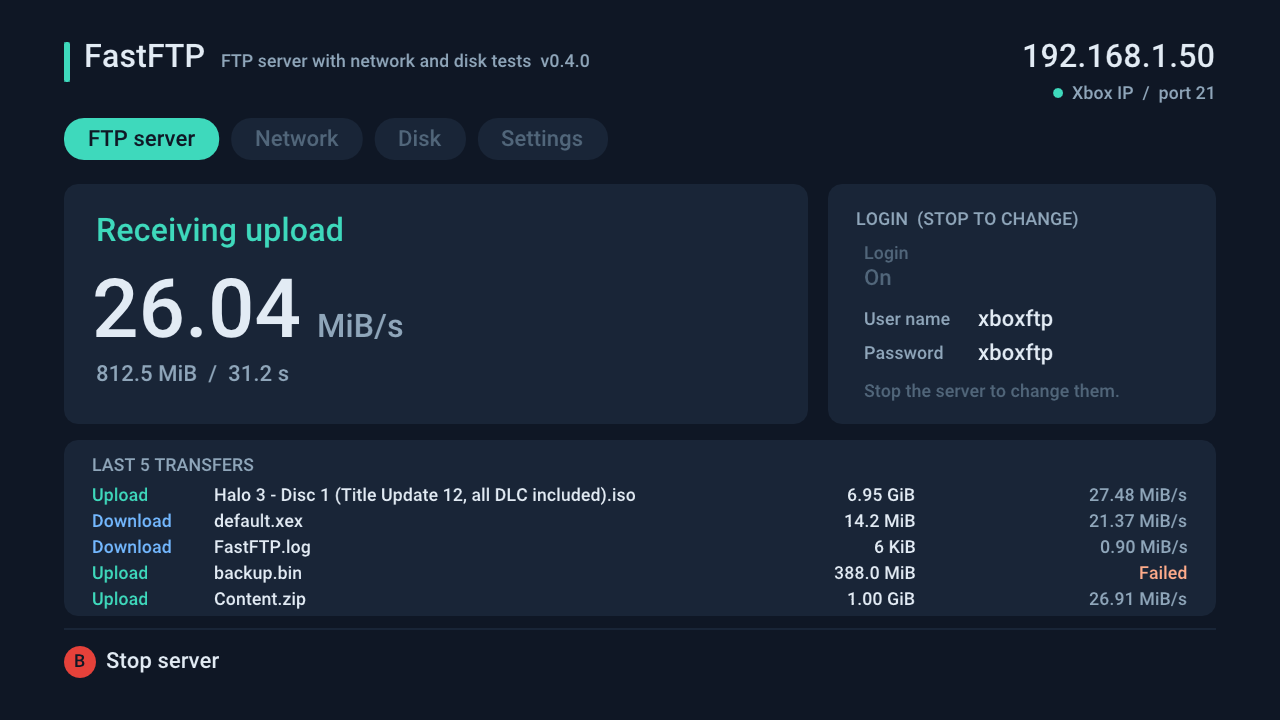
- Load NetUsb360 as described in Install.
- Start FastFTP from Aurora or your usual launcher (it’s an app, not a plugin) and press A to start the server.
- Connect from FileZilla or another FTP client to the IP address FastFTP shows, with user
xboxftpand passwordxboxftp.
FastFTP’s network test also shows whether the network, the disk or the FTP client is holding back your speed.