Playing
Pick the game’s tile. The NetDisc360 logo plays for three seconds while the game already loads underneath (any button skips it). Then the loading screen shows four steps (Server, Mount, Disc and Start), a bar that fills to 100%, and how long it has been since you pressed the tile. Then the game starts.

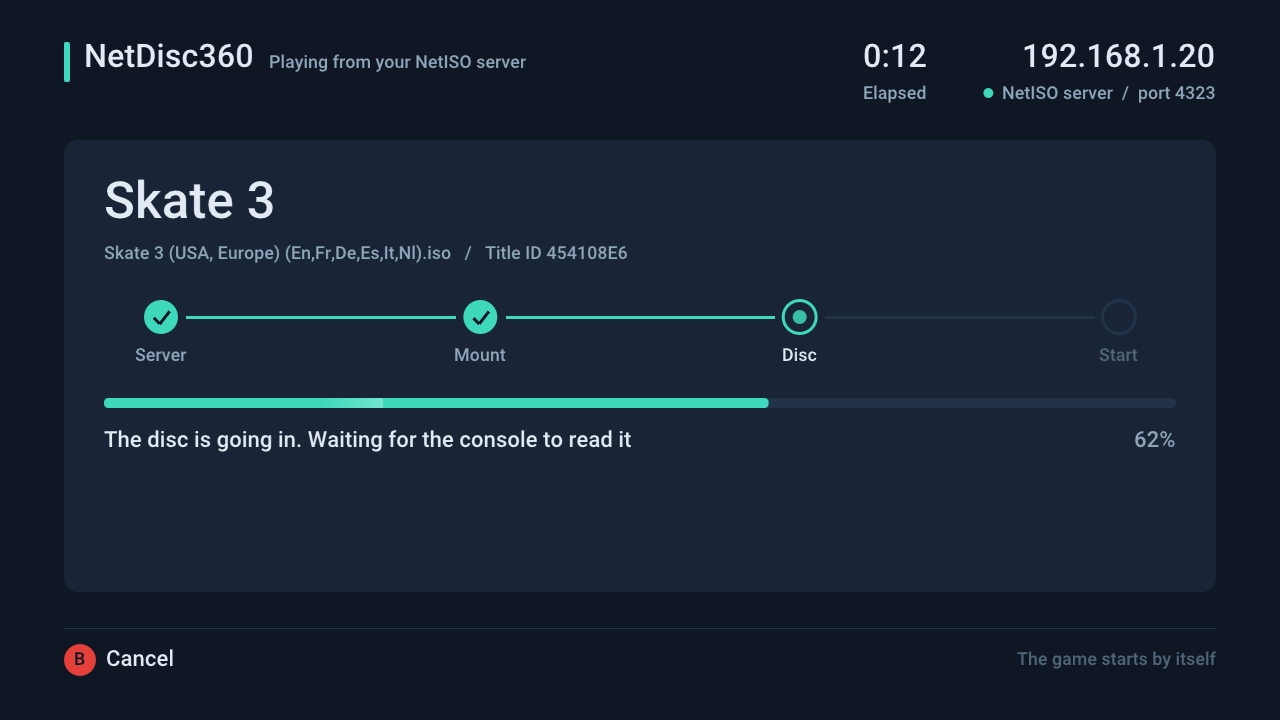
The loading screen.
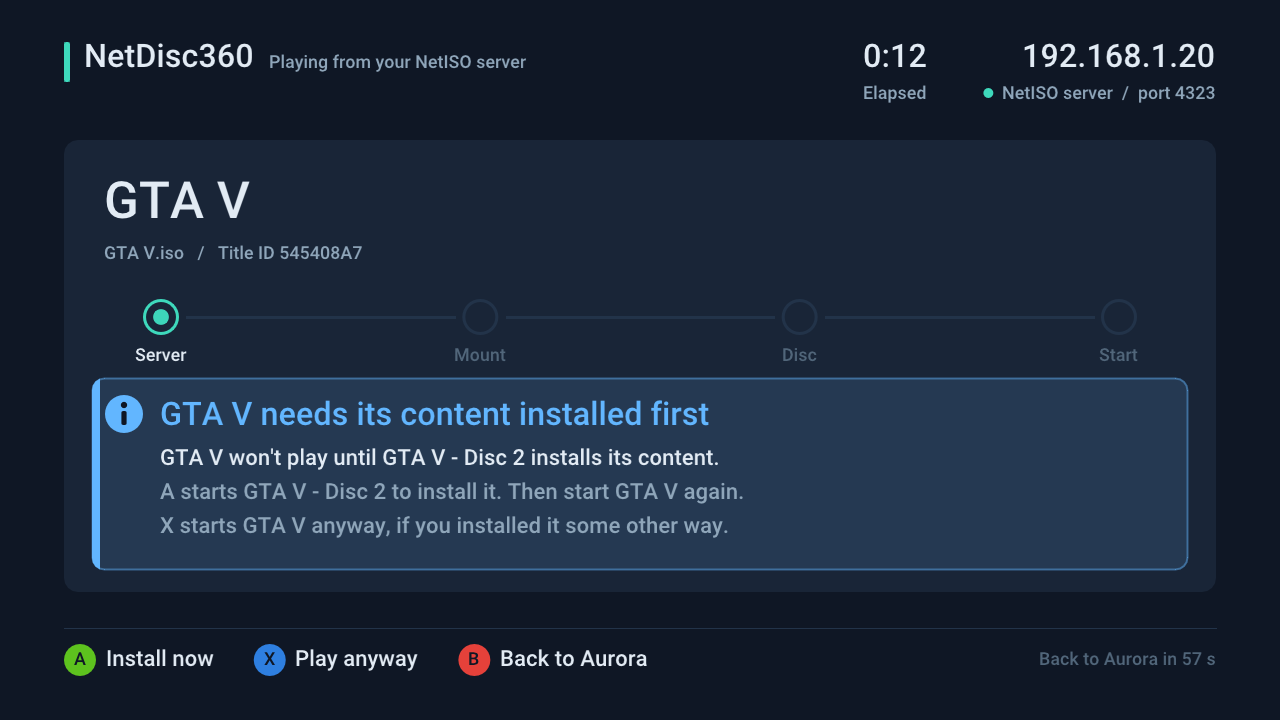
The notice for a game whose install disc hasn’t been installed yet.
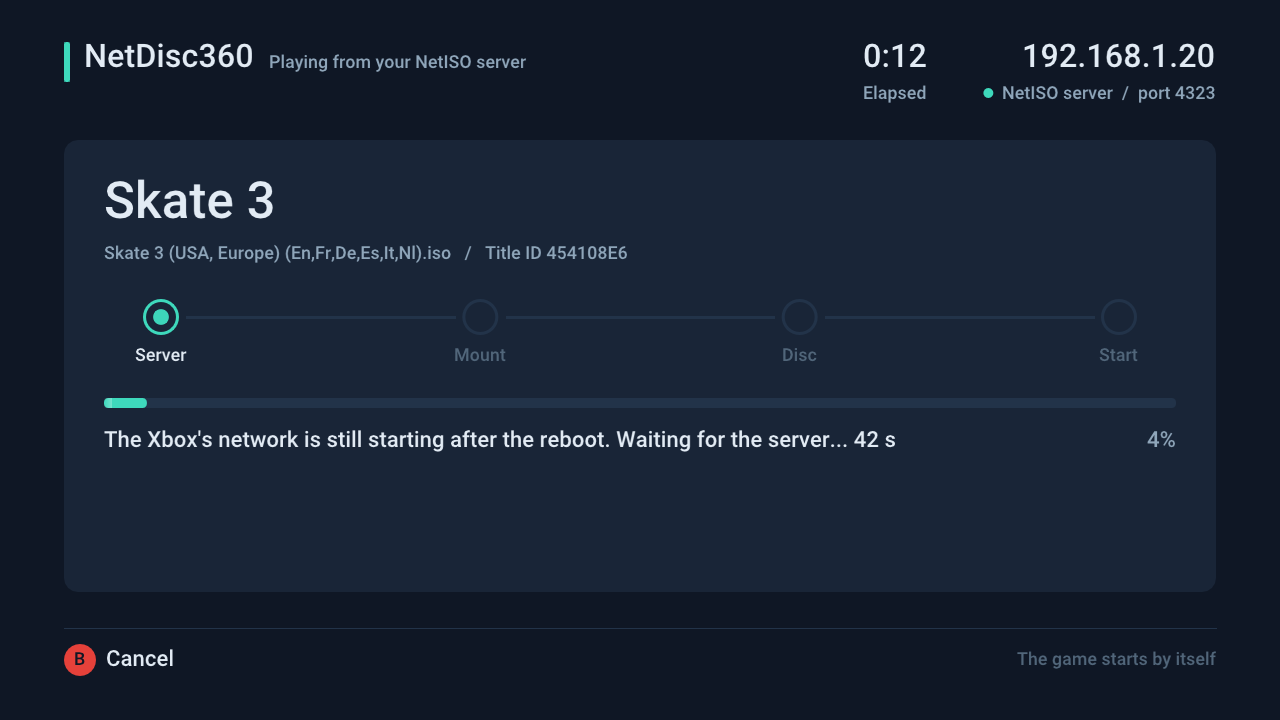
Right after a reboot it waits for the network.
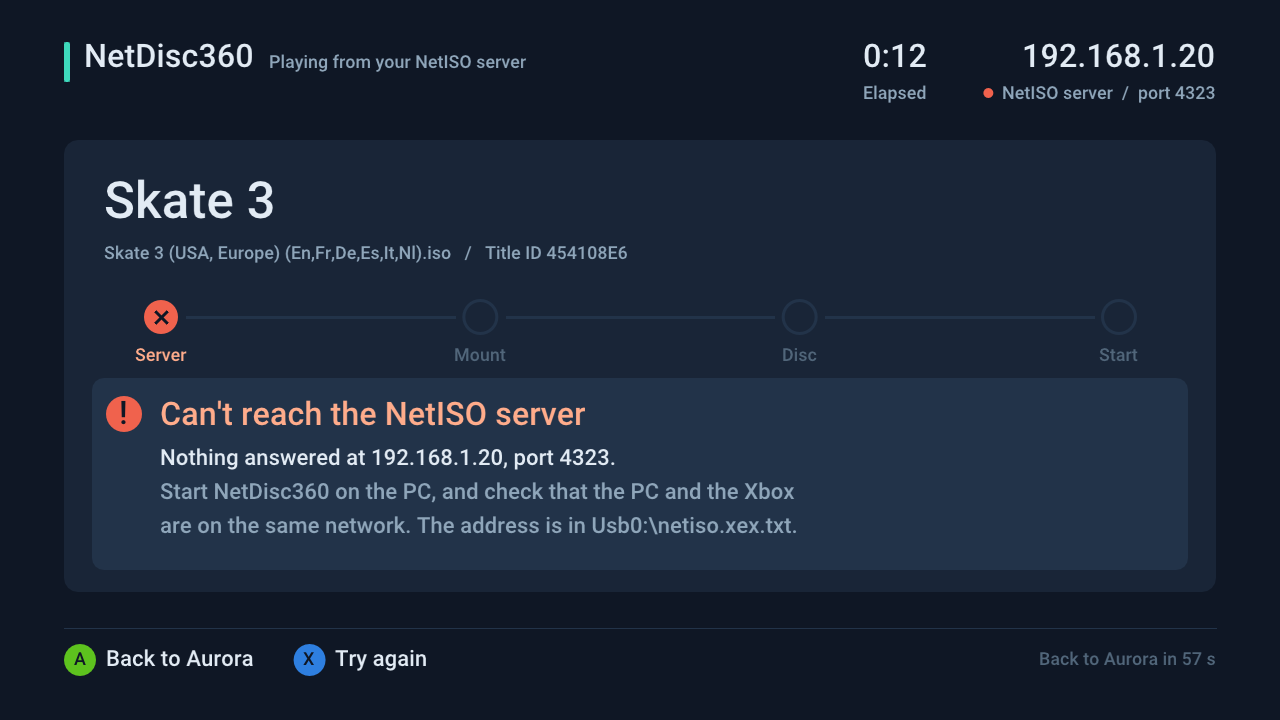
When something is wrong, it says what and what to do.
- B cancels at any step and goes back to Aurora at once.
- Right after a reboot the console can’t reach the server for a minute or two, and the NetISO plugin needs a little longer still. For the first 4 minutes after boot the screen waits for both instead of failing.
- When something goes wrong, the screen says what and what to do: the server doesn’t answer, the NetISO plugin isn’t loaded, the game is no longer on the server, the disc didn’t show up, a different game is in the drive, or the game didn’t start. A goes back to Aurora and X tries again; after a minute it goes back to Aurora by itself.
- Games with an install disc (GTA V, Forza Motorsport 4) check for the install first. If the install disc’s content isn’t on the console’s hard drive or USB storage, the screen asks: A starts the install disc so you can install it, X plays anyway, B goes back to Aurora. Without its install, GTA V freezes at “Loading story mode”. See Install discs.
- Games on more than one disc get a tile for each disc. When the game asks for another disc (GTA V’s install disc asks for the play disc once it has installed), NetDisc360 puts that disc in over the network and the game carries on, as if you had swapped it. A notification says when the game is ready to swap and when the other disc goes in. Every disc of the game has to be in your game folders. See Disc swaps.
There is no unmount step: the plugin keeps the last game mounted until another one is mounted.
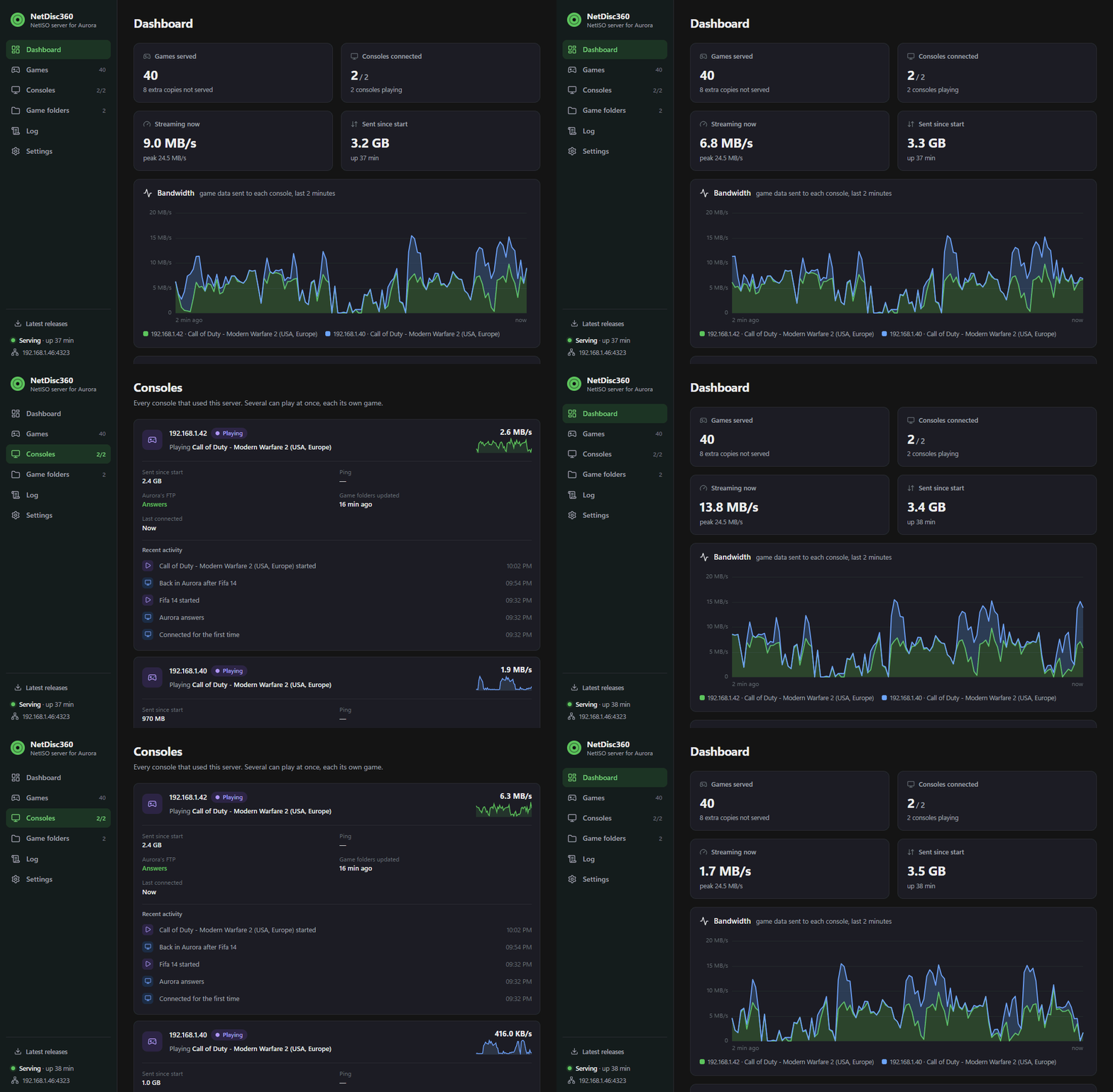
Play together. Several consoles can play the same game from the same copy at the same time, system link included. Here two consoles play Call of Duty: Modern Warfare 2 against each other over system link, each streaming the game from NetDisc360: