Updating and backups
On Windows
Section titled “On Windows”NetDisc360 looks for a new version on GitHub twice a day. When one is out, the dashboard says so and Settings > Updates shows what’s new; Install and restart backs up your settings, downloads the new NetDisc360.exe, checks it against the release’s checksum, puts it in place of the old one and starts it again. Should the new version not start, the old one puts itself back within two minutes, says so on the dashboard, and doesn’t install that version by itself again. Turn on Install updates by themselves and it does that on its own while no console is playing. Include test versions offers pre-releases too. To update by hand instead, quit NetDisc360 from its notification-area icon, replace NetDisc360.exe with the new one and start it again; the settings stay either way.
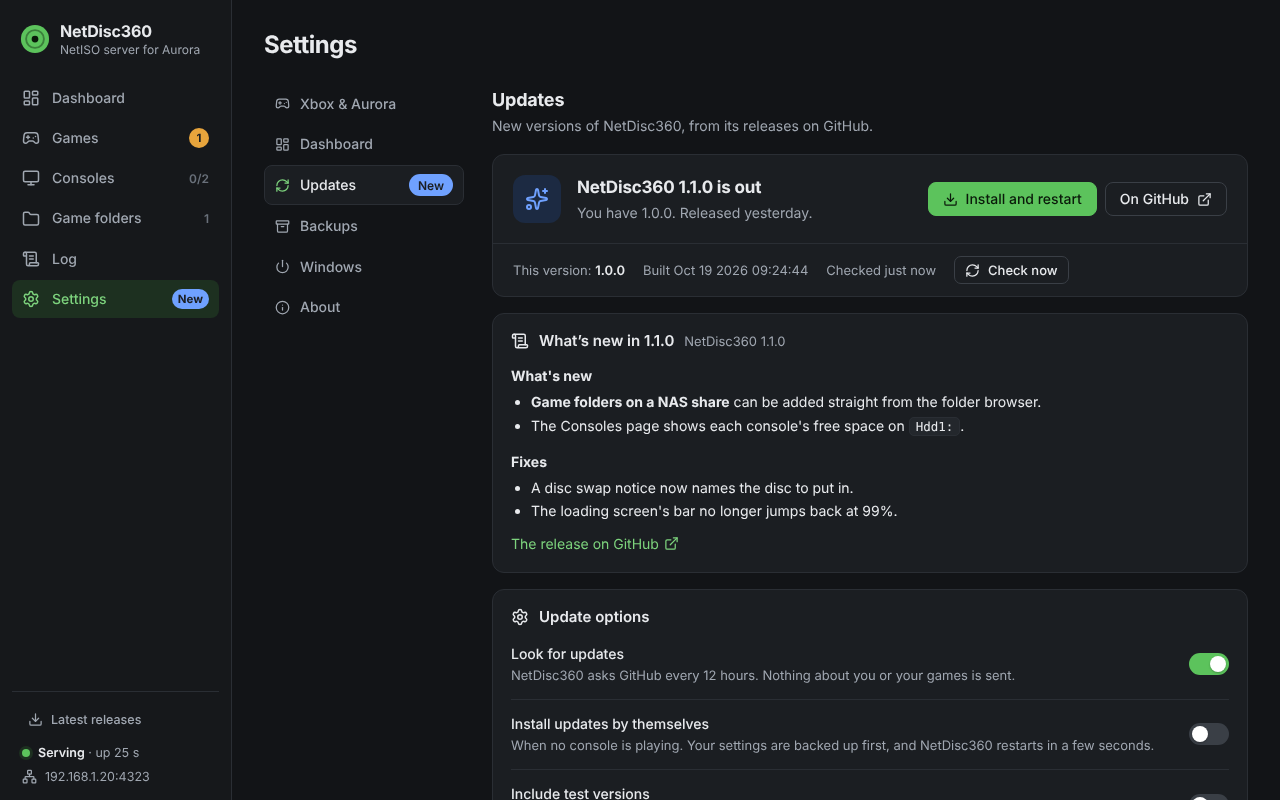
A new version, with what’s new and one click to install it.
With Docker
Section titled “With Docker”The dashboard shows that a new version is out, and you update the image yourself:
docker compose pull && docker compose up -dOn the console
Section titled “On the console”On its next visit to the console the new version replaces the launchers in Hdd1:\NetISO with its own by itself. Only NetIsoTiles.xex needs a hand: copy the new one over the old one on your USB drive and reboot the console (the release notes say when it changed).
Backups
Section titled “Backups”Settings > Backups keeps copies of your settings: netdisc.ini and the disc map, never your games. NetDisc360 backs them up by itself once a week (or every day, or turn it off), and before every update and every restore, keeping the newest five of those. Back up now makes one that stays until you delete it. Each backup can be downloaded, restored or deleted, and Restore from a file brings back one you downloaded, or a netdisc.ini by itself, for example on a new PC or from the Windows app into Docker. Restored settings apply at once; a changed port takes effect at the next start. The backups are zips in the Backups folder next to the settings file (%APPDATA%\NetDisc360\Backups, or /config/Backups in Docker).
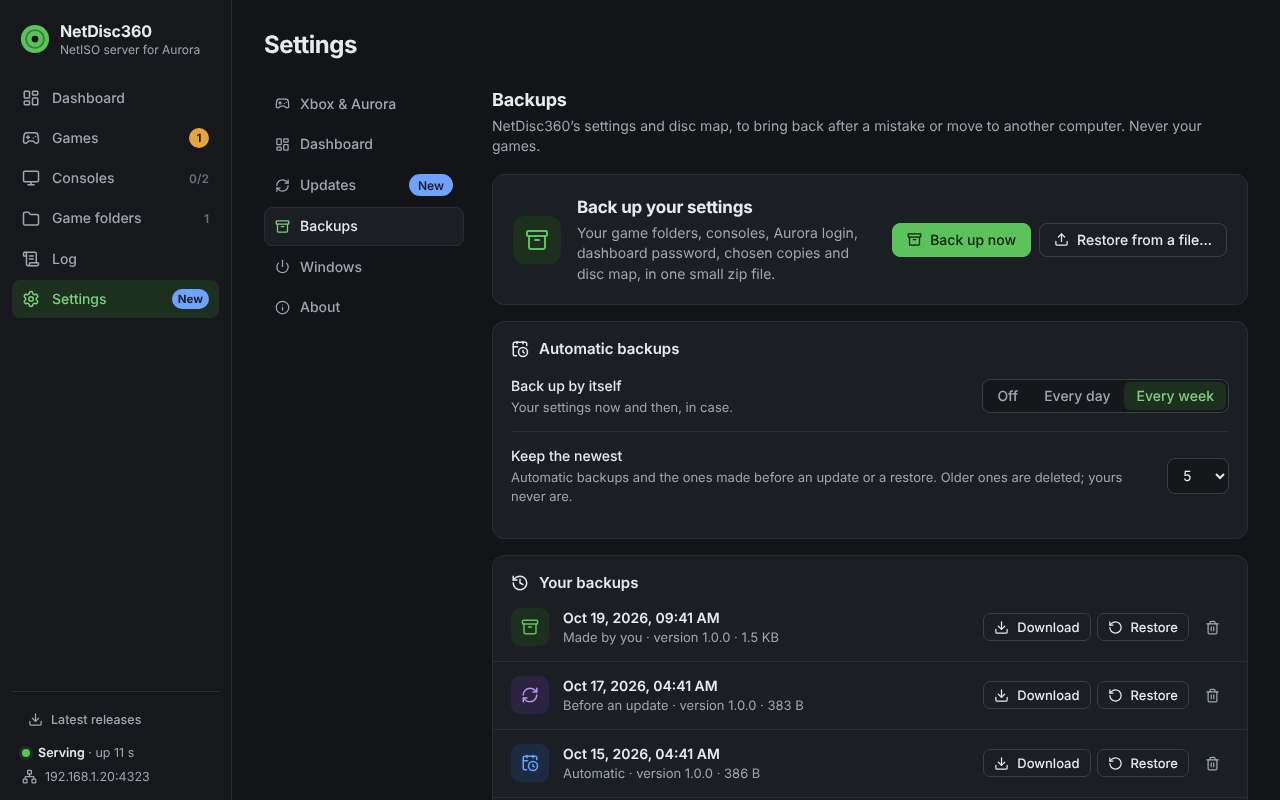
Your settings’ backups.